 New in
P2+ USB WiFi Module (802.11 b/g/n) for B180 and A170 Series
In stock · Usually ships in 1–5 business days*
- Original manufacturer warranty
- Free delivery over AED 2,500
- Installation available
- Returns for manufacturer faults
The lowdown
The lowdown
Key features
- USB interface module for quick, tool-free installation
- 802.11 b/g/n wireless standard for broad router compatibility
- Compatible with both B180 series and A170 series terminals
- Frees checkout terminals from a fixed wired network point
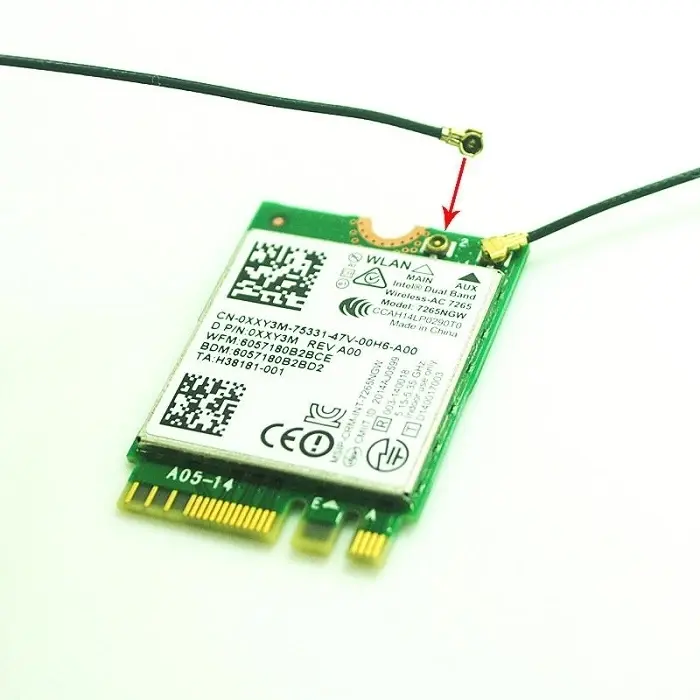
The P2+ USB WiFi Module is a plug-in 802.11 b/g/n wireless adapter that connects through the USB interface of P2+ B180 and A170 series POS terminals. It adds wireless network access to existing terminals without internal installation, making it a fast way to move a terminal off a wired connection.
FAQ
Which terminals does this module support?
A: This USB WiFi module supports both P2+ B180 series and A170 series POS terminals.
Do I need to open the terminal to install it?
A: No, it connects through the terminal USB interface without internal installation.
What wireless standard does it use?
A: It uses the 802.11 b/g/n wireless standard for compatibility with standard store routers.
Why buy from Procure
Procure.ae supplies genuine P2+ terminal accessories to retailers and institutions across the UAE and GCC, with bulk pricing for fleet-wide network upgrades and guidance on matching the correct module to your B180 or A170 series terminal. Request a quote for volume orders.
Specs
Specifications
- Form Factor
- USB module
- Connectivity
- Wi-Fi 802.11 b/g/n (USB interface)
- Speed
- Up to 150 Mbps (802.11n)
- Compatible Models
- P2+ B180 series, P2+ A170 series
- Weight
- 0.45 kg
- Brand
- P2+
- Product Type
- Wifi Module
- Color (Spec)
- N/A
FAQs (11)
Got questions?
11 answers below — or call us on +971 4 546 5041.
Can I add WiFi to an existing B180 or A170 terminal?
Yes, this USB adapter plugs into any terminal with a spare USB port, making it ideal for upgrading existing installations without replacing the computer.
What is the advantage of a USB adapter over built-in WiFi?
USB adapters can be added to existing terminals without internal modification, removed if needed, or swapped between devices for maximum flexibility.
Where should I plug the USB adapter for best reception?
Position the module in a location with clear line of sight to your store's WiFi access point; avoid placing it inside the terminal cabinet if possible.
Will this adapter interfere with other USB devices?
No, this adapter uses just one USB port; you can continue using other USB peripherals like barcode scanners or receipt printers on other ports.
How do I know if my terminal has a spare USB port?
Most B180 and A170 terminals have 2-4 USB ports; if you already use them for peripherals, you may need to share using a USB hub.
Can I upgrade multiple terminals easily?
Yes, the USB adapter can be installed on any compatible terminal, making it a cost-effective way to add WiFi to all your B180 and A170 systems.
What wireless standards does this USB adapter support?
The P2+ USB WiFi Module supports 802.11 b/g/n wireless connectivity.
What drivers or software are required?
Contact Procure.ae for driver information and setup instructions for this module on your specific terminal.
Is there a warranty for the USB WiFi adapter?
Contact Procure.ae for warranty coverage and support terms for this wireless module.
Can this adapter be delivered quickly as a retrofit?
Procure.ae supplies the USB WiFi Module across the UAE and GCC; contact for availability and delivery lead time.
Will your team help install and configure it?
Yes, Procure.ae can assist with driver installation, WiFi network setup, and troubleshooting.
Reviews
Customer reviews
Used this product? Tell other buyers what you think.
Sign in to review