 New in
{{ pdp.img + 1 }}1 / 7
Panasonic TY-VUK10 Video Wall Manager and Auto Display Adjustment Upgrade Kit
- 1 GHz or faster
Tell us how many and where — we’ll send your best price.
Quotes within 1 working day
- Original manufacturer warranty
- Free delivery over AED 2,500
- Installation available
- Returns for manufacturer faults
The lowdown
The lowdown
Key features
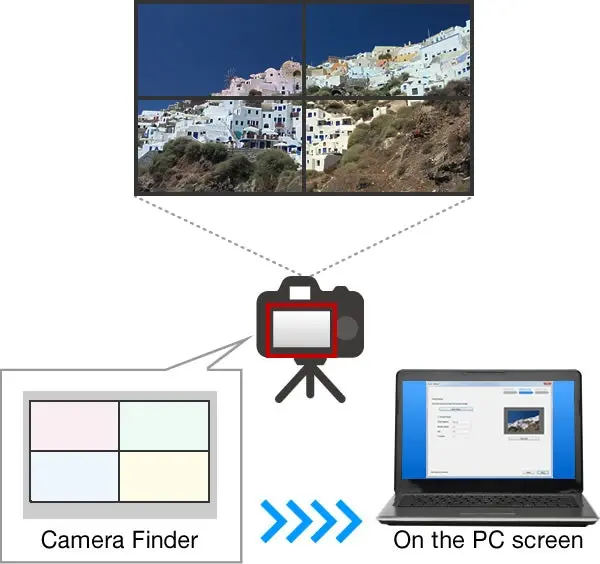
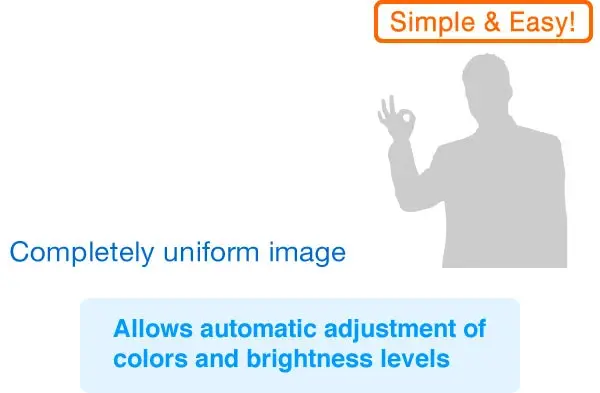
- Auto Calibration: Uses compatible Nikon cameras to automatically adjust brightness and color balance for up to 25 displays.
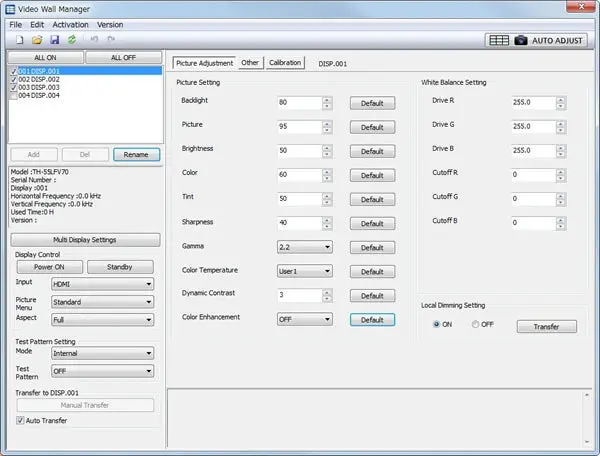
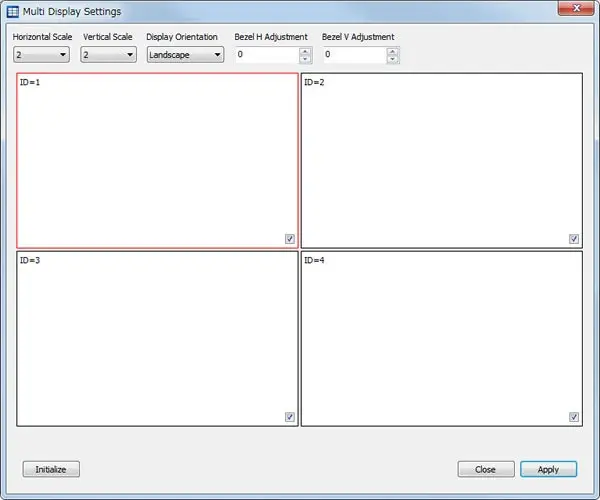
- Software Integration: Works with the free Video Wall Manager to control display settings and manage video wall data from a PC.
- Connectivity Options: Supports control via RS-232C serial port or wired LAN (10/100/1000 Base-T) connections.
- System Requirements: Requires Windows 10/11, 1 GHz processor, 16 GB free disk space and a license key per PC.
- Multi-Language Support: Operating system interface supports English, Japanese and Chinese for flexible regional deployment.
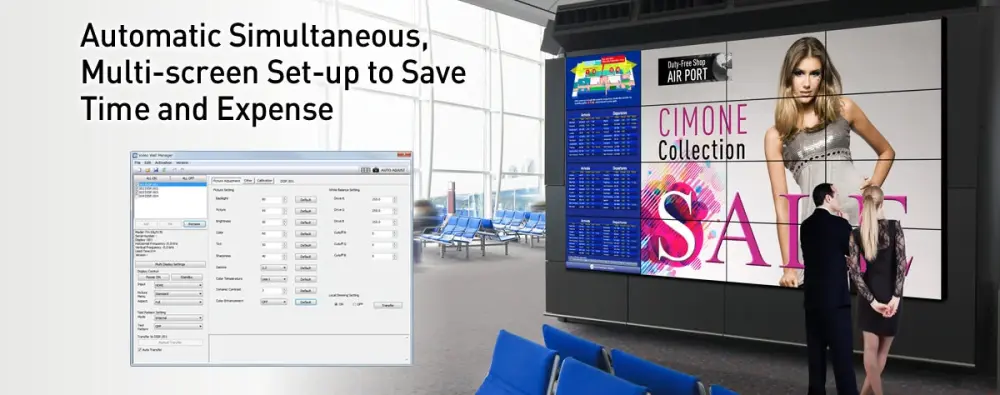
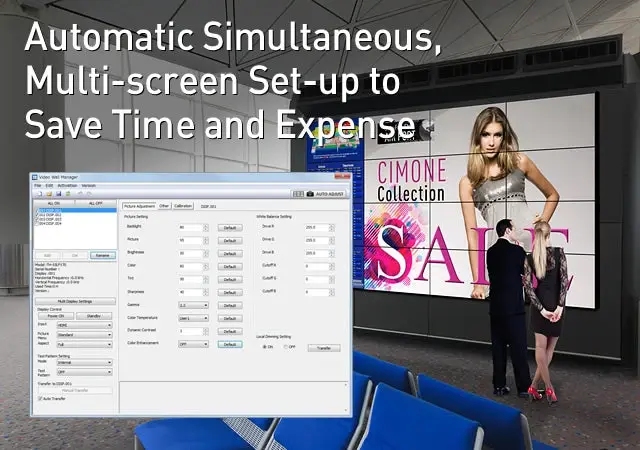
This upgrade kit extends the free Panasonic Video Wall Manager software by adding automated calibration capabilities for flush-mounted video walls. Users can connect a compatible Nikon DSLR camera to automatically adjust brightness and color balance across multiple screens. The system processes these adjustments and reflects the suitable correction values for each display via the PC interface.
The software manages display settings and video wall data through RS-232C serial or wired LAN connections. It requires a license key per PC and operates on Windows 10 or 11 with a 1 GHz processor and minimum 2 GB RAM. The package supports English, Japanese and Chinese operating systems, allowing procurement teams to standardize management across diverse regional offices.
Procure Store, an authorised reseller since 2013, provides genuine products with original manufacturer warranty. We handle warranty registration and ensure serial numbers are traceable to the manufacturer. Our team offers procurement-friendly quotations with purchase order support, free training, and delivery across the UAE, GCC and African countries.
Why buy from Procure
Authorized reseller since 2013 — genuine, traceable serials. All prices in AED excluding 5% VAT. Quotes, POs and terms for organisations.
Specs
Specifications
- Functions
- Calibration, adjustment, display settings and video wall management
- Camera
- Nikon D5200, D5300, D5500, D5600 or D7500 (or successor)
- Compatibility
- Selected Panasonic LCD display models, up to 25 units
- Operating System
- Windows 11, Windows 10 (32-bit and 64-bit)
- Processor
- 1 GHz or faster
- RAM
- 2 GB (32-bit OS) or 4 GB (64-bit OS) minimum
- Storage
- 16 GB free disk space or more
- Connectivity
- RS-232C serial or wired LAN (10/100/1000 Base-T)
- License
- License key required per PC
- Brand
- Panasonic
- Product Type
- Software License
- Model Number
- TY-VUK10
FAQs (6)
Got questions?
6 answers below — or call us on +971 4 546 5041.
Does the TY-VUK10 include the required camera?
No, the kit does not include the camera. You must purchase a compatible Nikon D5200, D5300, D5500, D5600 or D7500 separately. The software uses these cameras for auto-adjustment functions.
Can I order this with a purchase order?
Yes, Procure Store accepts purchase orders for this software kit. We provide quotations with payment terms on request for government and corporate buyers in the UAE and GCC.
Is warranty registration handled by Procure Store?
Yes, as an authorised reseller since 2013, we handle warranty registration for you. Genuine products come with original manufacturer warranty and traceable serial numbers.
What is the maximum number of displays supported?
The TY-VUK10 supports up to 25 connected Panasonic LCD display units. This allows for large-scale video wall configurations managed from a single PC.
Does delivery extend to Africa?
Yes, we offer delivery across the UAE, the wider GCC and African countries. Contact our account representative for logistics details specific to your location.
Is free training included with the purchase?
Yes, we provide free training and support for workplace technology purchases. Our team ensures your staff can effectively use the software for display management.
Reviews
Customer reviews
Used this product? Tell other buyers what you think.
Sign in to review